
From a copied link to an opened file in a minute or two.
Steps
- In your browser, right-click the link to the file and choose Copy link.
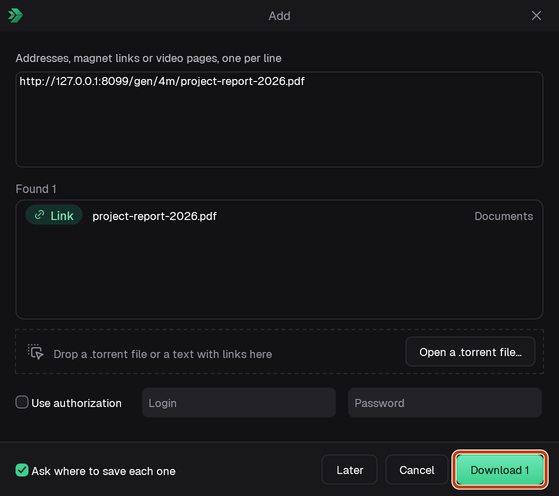
- In Grabbit, click Add on the toolbar (or press Ctrl+N). The address is already filled in, and listed under Found 1 as a Link.
- Click Download 1 (or press Enter).
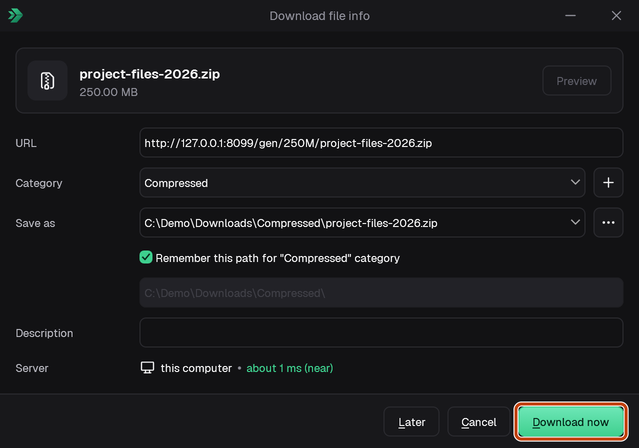
- Download file info shows the file's name, its size and where it will be saved. The folder depends on the file's type: a ZIP goes to
Downloads\Compressed, a video toDownloads\Video, and so on. Change the folder or the category if you like. - Click Download now.
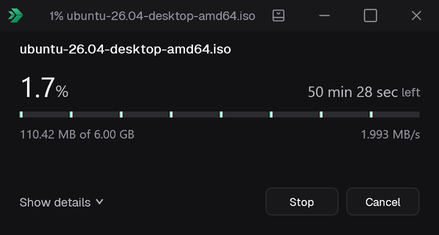
- The progress window shows the download: how far it is, the time left and the speed. Show details lists what each connection is doing.
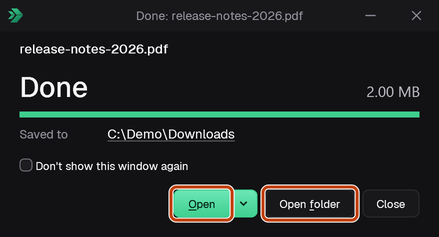
- When it finishes, the Done window appears. Click Open to open the file, or Open folder to see it in Explorer.
Add: Grabbit puts the address you copied in the box (paste it there if it isn't). Click Download 1. 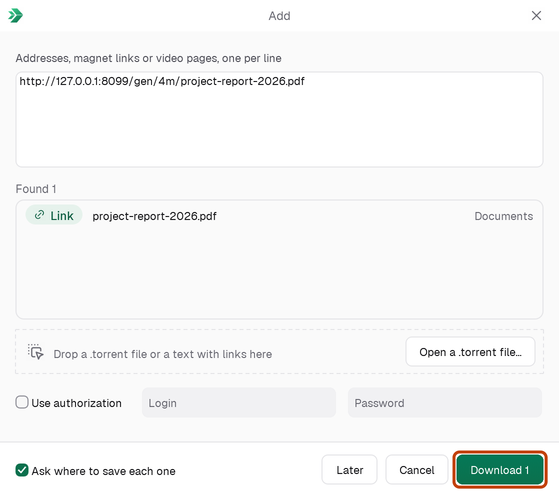
Check the folder, then Download now. 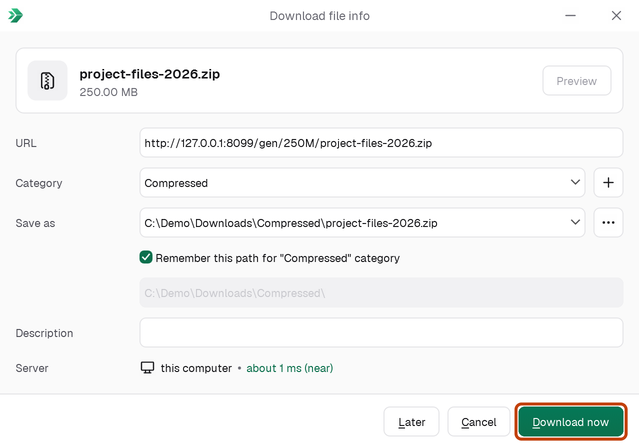
The progress window shows it coming in. 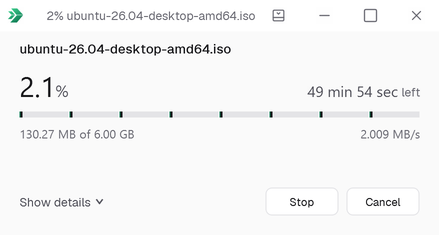
Done: Open the file, or Open folder. 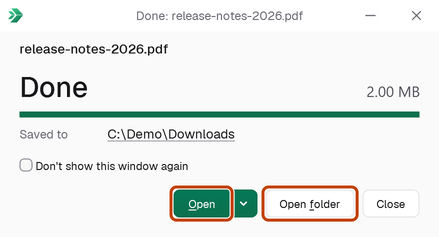
The download stays in the list under Finished. To get rid of the entry later, select it and press Delete; tick Also move the file to the Recycle Bin only if you want the file gone too.
If something goes differently
- The address isn't filled in: the clipboard didn't hold a web address. Paste it into Address yourself.
- The video window opens instead: the address is a video's page. See Download a video from a page.
- Grabbit asks to create a folder: the folder doesn't exist yet. Click Yes.
- The download stops with an error: see Resume a broken download.
Next steps
- Catch downloads from your browser →
- All the ways to add a download →
- The progress window in detail →
Free, open source, no ads, no trial.
Download Grabbit