
Set up the extension once, and every download link you click in Firefox, Chrome, Edge, Brave, Opera or Vivaldi goes to Grabbit.
Before you start
Grabbit must be installed with the setup, with Set up browser integration (Chrome, Edge, Brave, Firefox) ticked. It is ticked by default. If you're not sure, run the setup again. A portable copy can't do this.
The extension isn't in the Chrome Web Store or on addons.mozilla.org yet: it comes with Grabbit, in the extension folder where Grabbit is installed, and you add it from there once. (An extension named Mister Download Manager in the stores belongs to another project: it doesn't connect to Grabbit.) Grabbit's Add Grabbit to your browser window, which opens at each start until a browser's extension has reached Grabbit, brings you here: Show me how opens the steps for that browser.
Once it is set up, a download link goes like this:
Click a download link in the browser: Download file info opens in Grabbit. 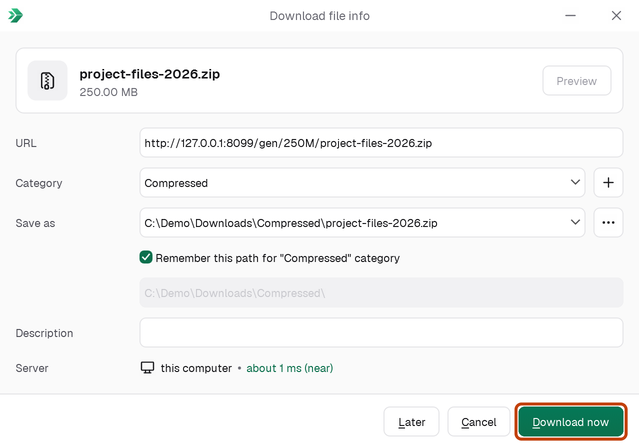
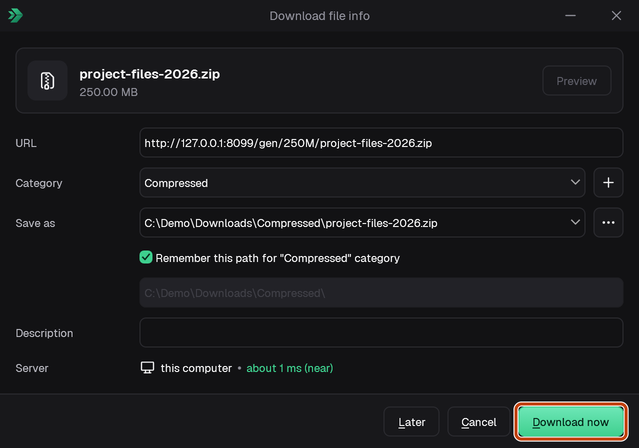
Download now: the progress window shows it coming in. 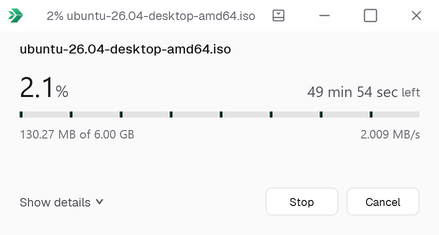
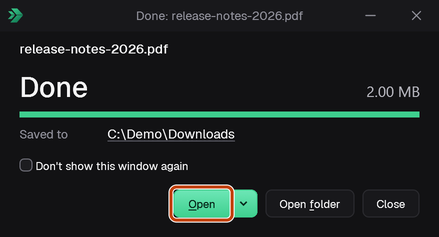
Done: Open the file, or Open folder. 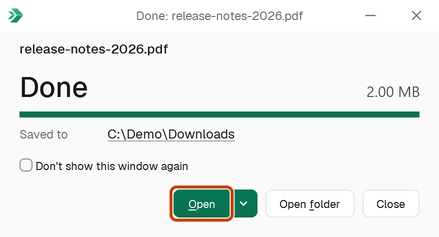
In Chrome, Edge, Brave, Opera or Vivaldi
- Open your browser's extensions page: type
chrome://extensions,edge://extensions,brave://extensions,opera://extensionsorvivaldi://extensionsin the address bar. - Turn on Developer mode (a switch at the top right; in Edge, on the left).
- Click Load unpacked.
- Choose the
extension\chromiumfolder inside Grabbit's folder. If you installed Grabbit for yourself, that is%LOCALAPPDATA%\Programs\Grabbit\extension\chromium; if you installed it for everyone,C:\Program Files\Grabbit\extension\chromium. You can paste the path into the folder box. - Grabbit appears in the list. Make sure it is turned on. The browser keeps it from then on, and Grabbit's updates bring its new version: the browser picks it up at its next start.
- Go to a web page and click a download link, for example a ZIP or an EXE: Grabbit opens Download file info instead of the browser downloading the file. Click Download now.
Chrome may show a reminder about extensions in developer mode at its start: that is this copy, and you can close it.
In Firefox
Firefox installs for good only add-ons that Mozilla has signed, and Grabbit's isn't signed yet. Until it is:
- Firefox, for this session: open
about:debugging#/runtime/this-firefox, click Load Temporary Add-on... and choosemdm-firefox.xpiin theextensionfolder inside Grabbit's folder (%LOCALAPPDATA%\Programs\Grabbit\extension\mdm-firefox.xpiif you installed Grabbit for yourself). It works until Firefox closes; load it again after a restart. - For good, in Firefox Developer Edition or Nightly (or ESR), which may install an unsigned add-on: open
about:config, setxpinstall.signatures.requiredtofalse, then openabout:addons, click the gear button, Install Add-on From File..., and choose the samemdm-firefox.xpi. Release Firefox ignores that setting.
Then go to a web page and click a download link: Grabbit opens Download file info. Click Download now. Zen and LibreWolf take the add-on the same way.
You don't need to start Grabbit first: if it isn't running, it starts by itself.
Choose what Grabbit takes
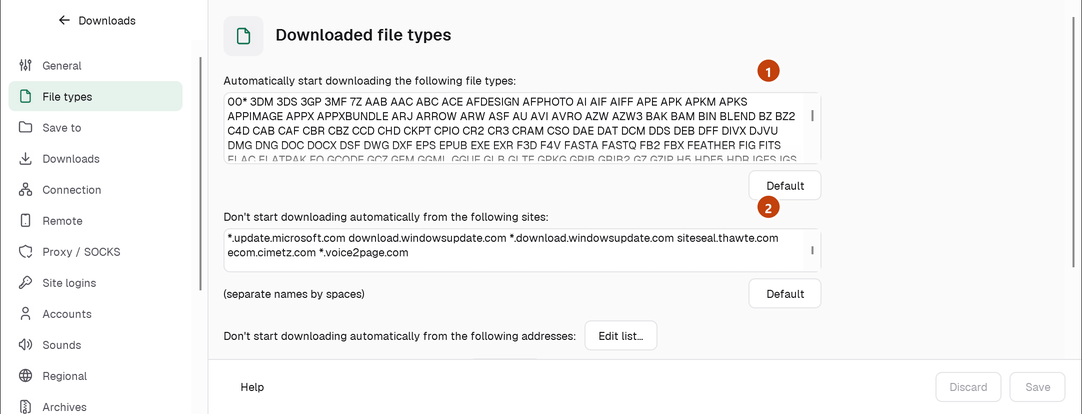
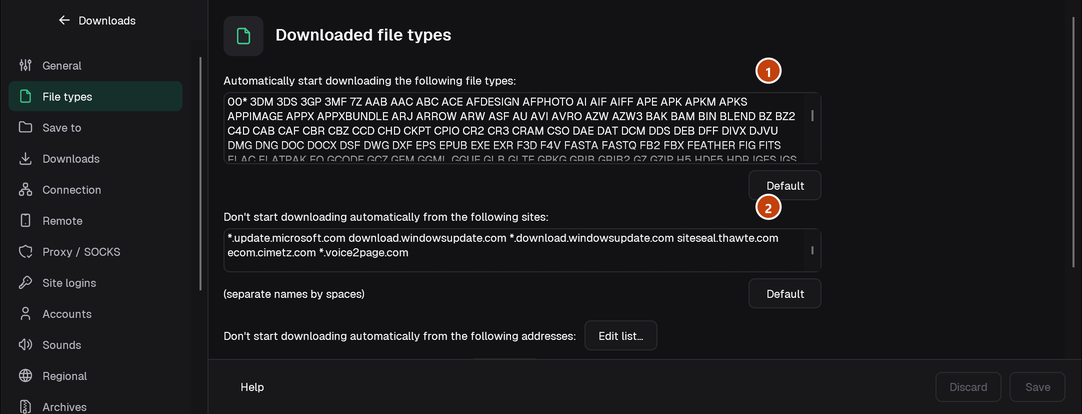
- Which file types: Options → File types → Automatically start downloading the following file types. Add or remove types, separated by spaces.
- Sites to leave alone: Options → File types → Don't start downloading automatically from the following sites. Add the site's name, for example
downloads.example.comor*.example.com. - One browser only: Options → General → Capture downloads from the following browsers. Untick the ones Grabbit should leave alone.
Everything Grabbit doesn't take stays with the browser.
Download a link the browser would open
Links to a PDF or a video file, which the browser would open itself, go to Grabbit too when their type is listed. To leave one to the browser, hold Alt while clicking it: the browser opens it as a plain click would. Any other link: right-click it and choose Download with Grabbit, which takes any type.
Next steps
- Browser integration in detail (Firefox, private windows, what is sent) →
- If the browser doesn't hand downloads over →
- Download overnight →
Free, open source, no ads, no trial.
Download Grabbit