
One cap for all of Grabbit
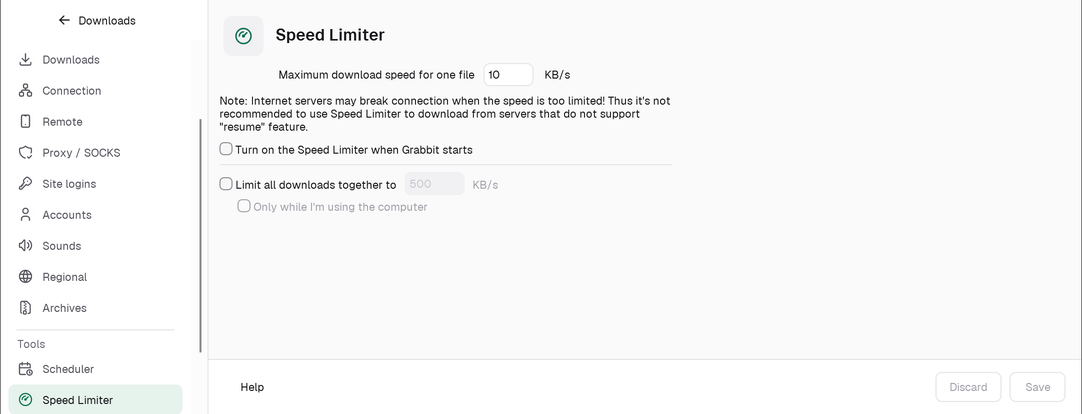
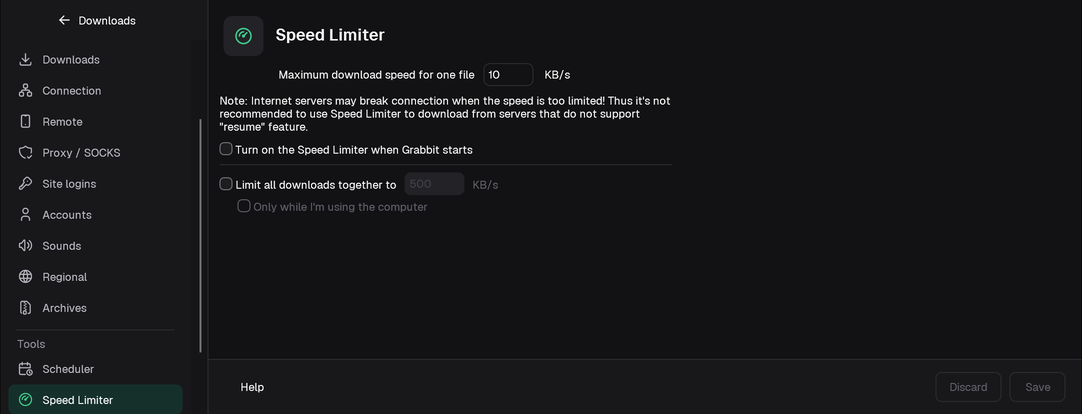
In Downloads → Speed Limiter → Settings, tick Limit all downloads together to and type a speed in KB/s. However many files are downloading, together they stay under it. It works on its own: there is nothing else to turn on. About two thirds of your connection's speed is a good start.
Tick Only while I'm using the computer and the cap applies only while you use the mouse or keyboard. After a minute without input, Grabbit goes back to full speed.
A limit per file, or for one download
Maximum download speed for one file holds each download to the same speed. Set it first, since it starts at a very slow 10 KB/s, then choose Downloads → Speed Limiter → Turn on. Turn off gives full speed back, and Turn on the Speed Limiter when Grabbit starts keeps it on from the start.
To slow down a single download, open its progress window, click Show details and tick Limit to. The new limit applies at once, and the other downloads keep their speed. With Remember for this file, the limit comes back when you resume the file, even after restarting Grabbit.
Some servers drop the connection when the speed is very low. Avoid a tight limit for a server that can't resume: the progress window's details show Can resume: No for those.
Torrents share the cap fairly
Each torrent gets a limit of its own, like any other download, and a remembered limit applies again when it resumes. Under Limit all downloads together to, torrents and other downloads share the cap: each side gets at least half, and more when the other side needs less. A torrent can't be held under 16 KB/s, because a lower limit made torrents drop their peers and stall.
Capped by data, not by speed
On an internet plan with a data cap, the amount matters more than the speed. The Scheduler's Download limits stops Grabbit after a set number of megabytes every few hours, and lets it carry on when the period is over: see Scheduler and queues.
Keep some speed for everything else walks through the settings step by step.
Free, open source, no ads, no trial.
Download Grabbit